Adding and updating products

Last updated: November 13, 2019

Product

You can add or update information about a product such as its price, variants, and availability from the Products page in the admin.
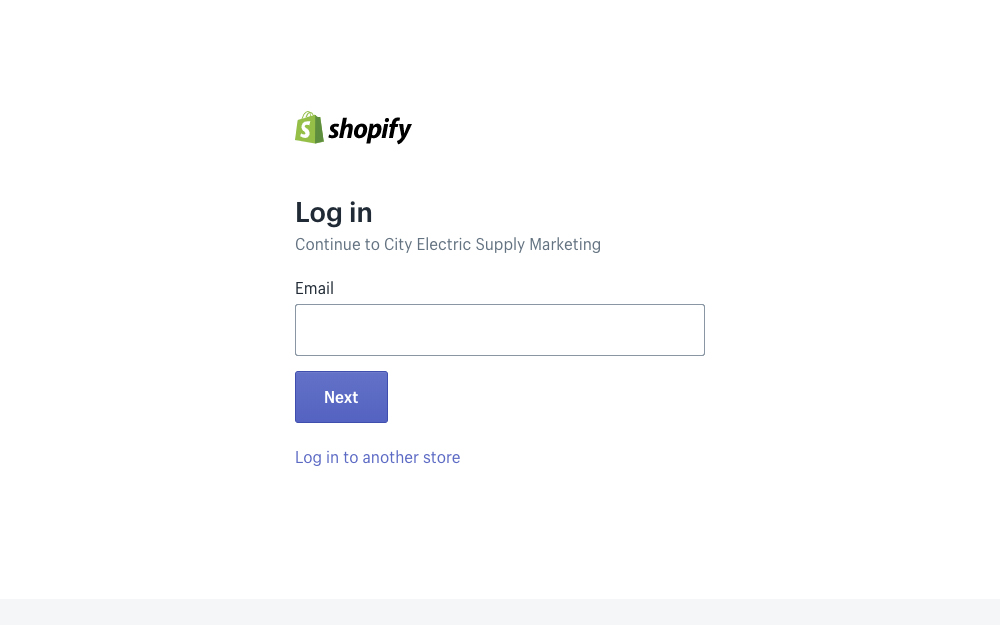
Enter your email address
screenshot
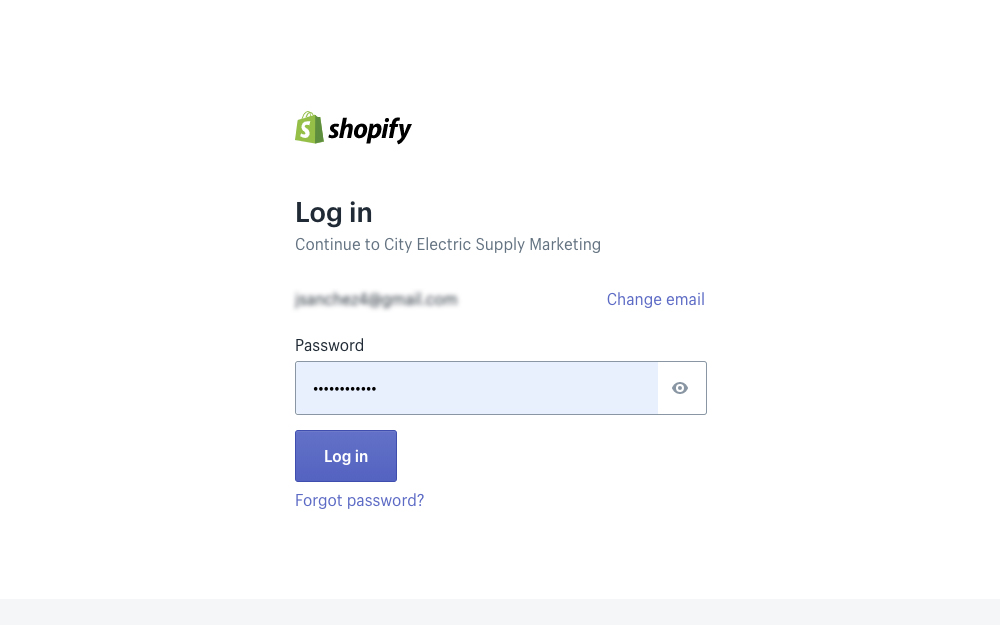
Enter your password
screenshot

Admin Dashboard

Initial Steps

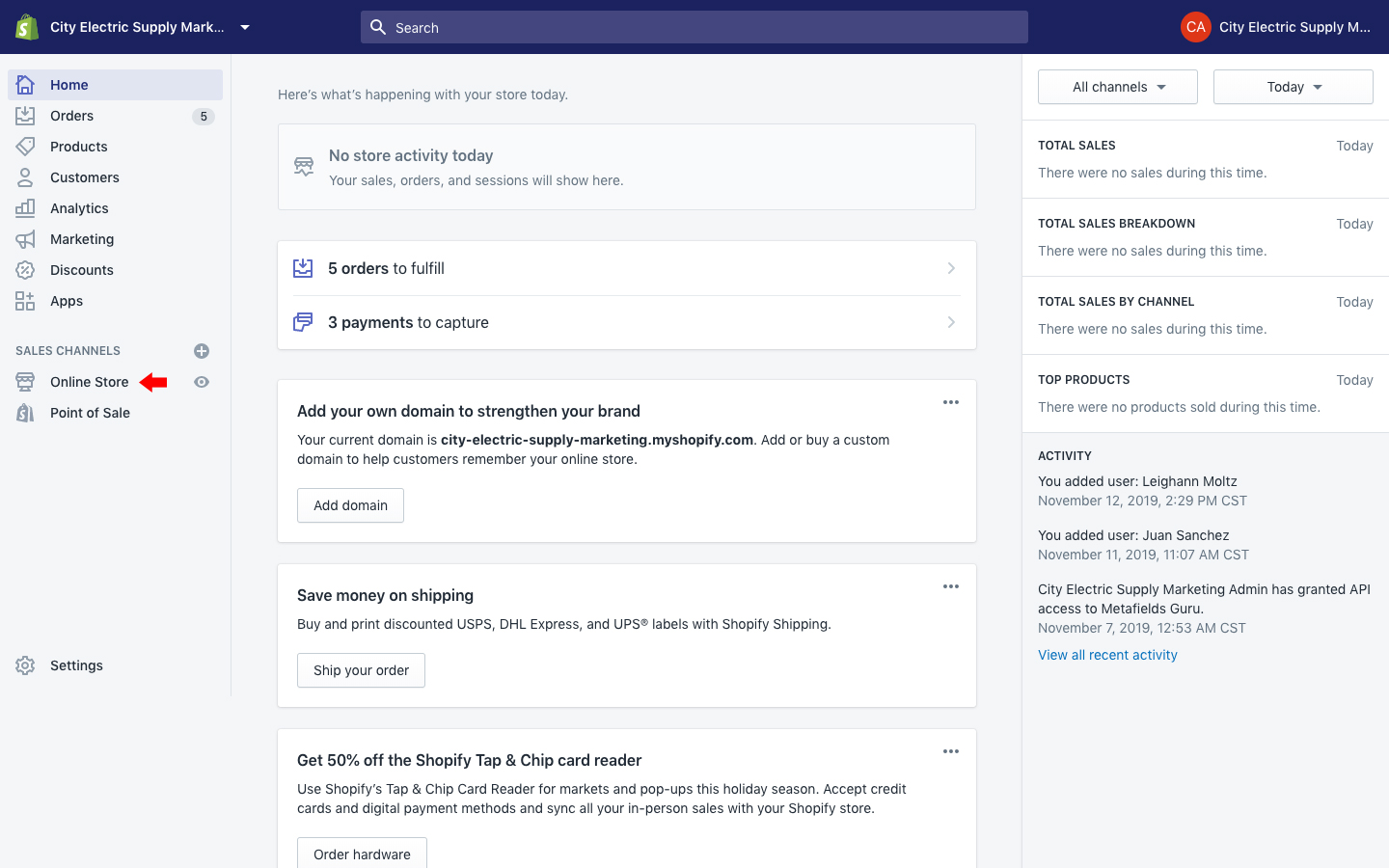
Initial steps to get to the customize section

1) Click on Online Store
screenshot
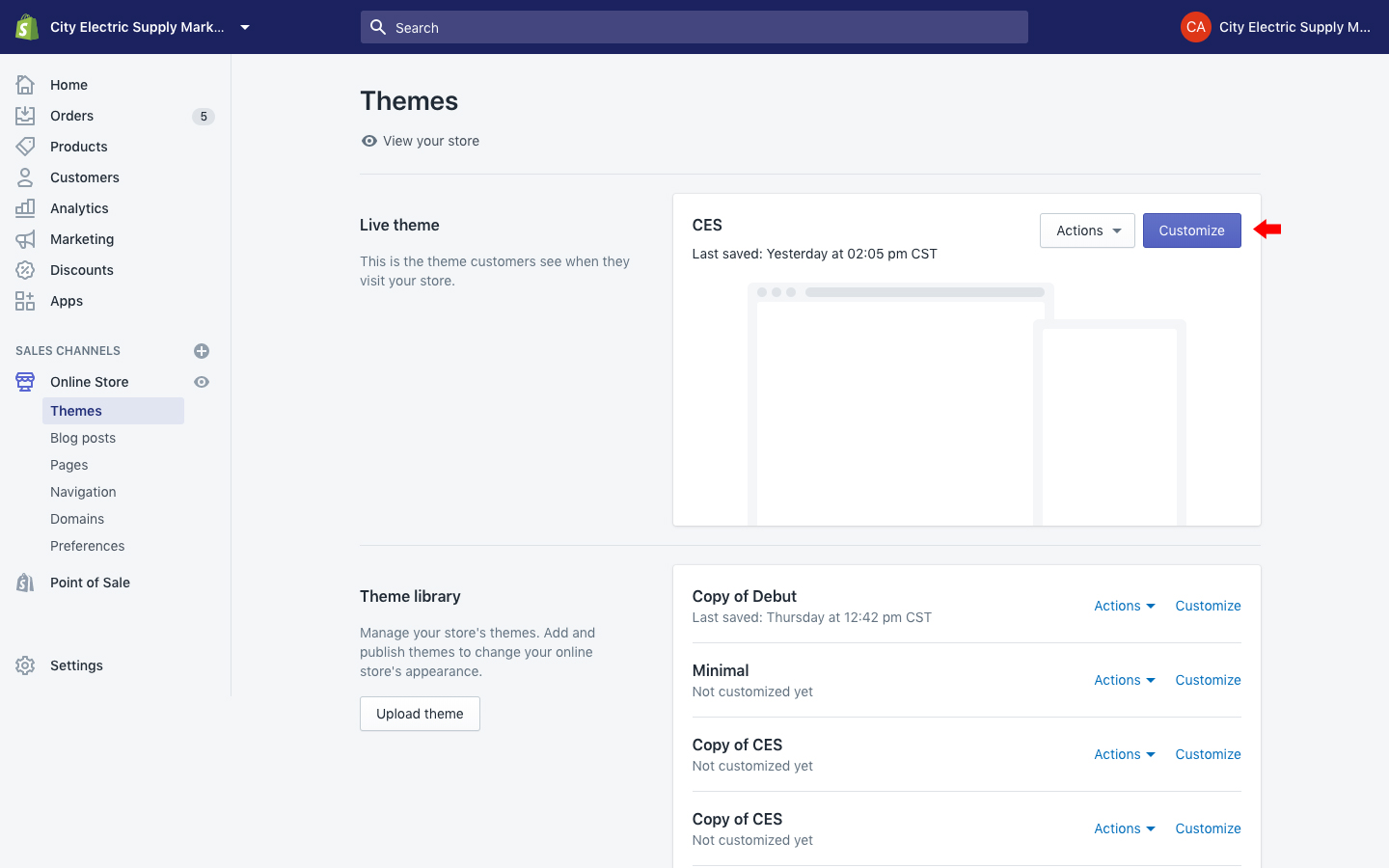
2) Click on Customize
screenshot

On this page

Collections

You can group your products into collections to make it easier for customers to find them by category. Here are a few examples of collections that you might create:

  • clothes for men, women, or children
  • items of a certain type, such as lamps, cushions, or rugs
  • items on sale
  • items in a certain size or color
  • seasonal products, such as holiday cards and decorations
After you create a collection, it can be shown on your online store as a webpage with a gallery of the products that are in the collection. Your customers can then click a product image on the collection page to visit a specific product's page. You can help customers find and view collections by adding links to the collections in a menu in your store's navigation. The exact layout and appearance of collection pages depends on your theme. You can view, create, and edit collections from the Collections page of your Shopify admin.

Language

Order Sections